Batch-approve multiple documents
Select several documents in the Approval inbox and approve, reject, reassign or add an approver to all of them at once.
When several documents are waiting on you, you don't have to open them one by one. The Approval inbox lets you select many rows and act on all of them together.
- You're on the Under Review view of the Approval inbox with documents waiting.
Act on several at once
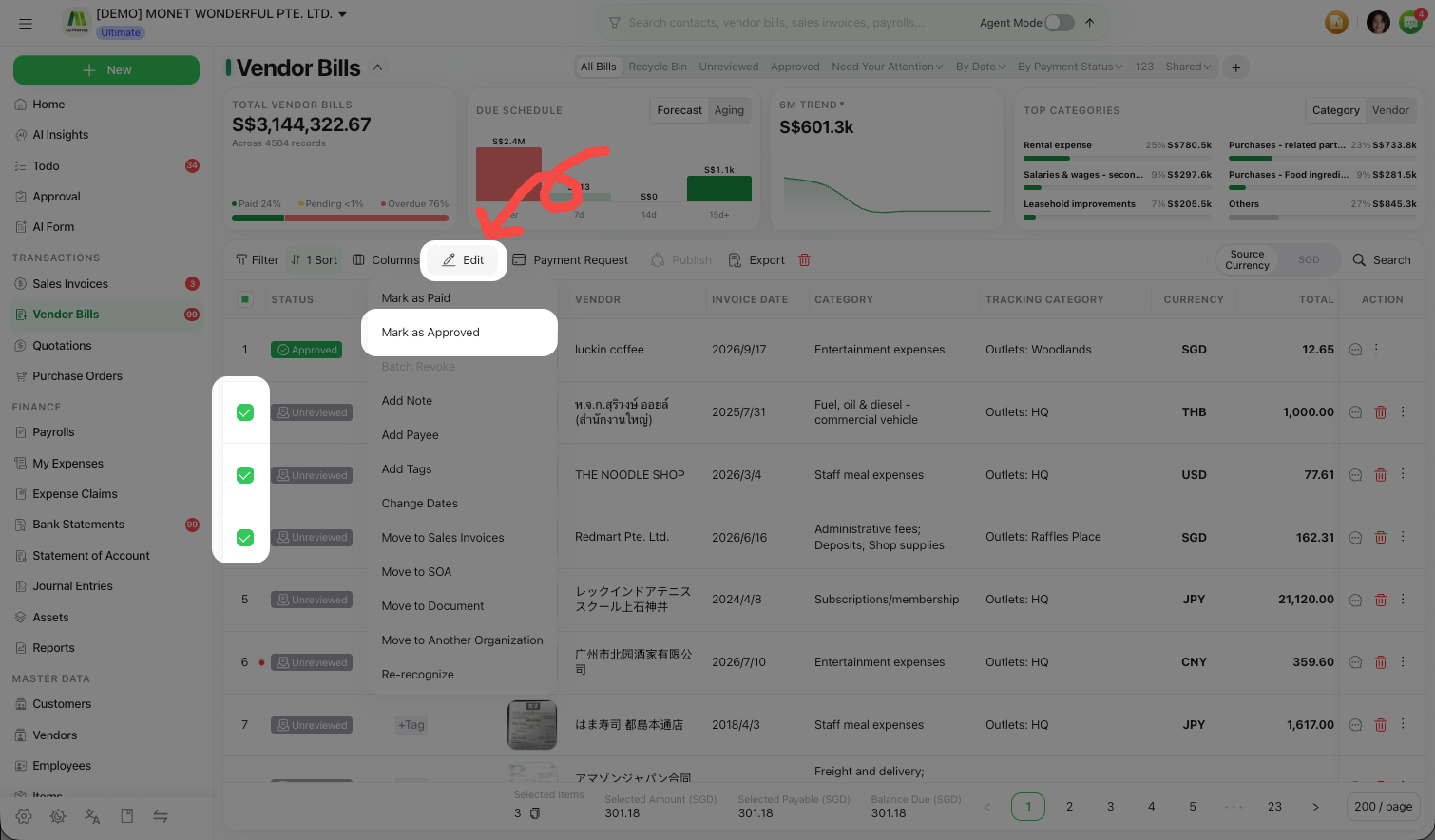
Select the documents
Tick the documents you want to handle. A count shows how many you've selected.
Choose a batch action
Pick one:
| Action | What it does |
|---|---|
| Batch Approve | Approves every selected document |
| Batch Reject | Rejects every selected document |
| Batch Reassign | Hands every selected document to another approver |
| Batch Add Approver | Adds an approver to every selected document |
Add a comment or pick approvers
For approve/reject, add one Approval Comment applied to all of them. For reassign/add approver, Select Approvers to apply to the whole selection.
Confirm
Confirm the batch. CCMonet reports how many succeeded and, if any failed, how many and why — so you can retry just those.
Customize approvers per document
When you batch reassign or add approver, your approver choice applies to every selected document by default. If a few need different people, expand Customize Per Item and set those individually — items you customize stop following the global choice, while the rest keep it.