Add an adjustment while reconciling
Balance a transaction with a bank fee, rounding, interest, tax or other adjustment during reconciliation.
Sometimes a bank transaction doesn't exactly equal the bill or invoice it settles — a bank fee was deducted, the amount was rounded, or interest was added. Adjustments let you account for that difference so the transaction balances.
- You're matching a transaction in the manual reconcile window.
Add an adjustment
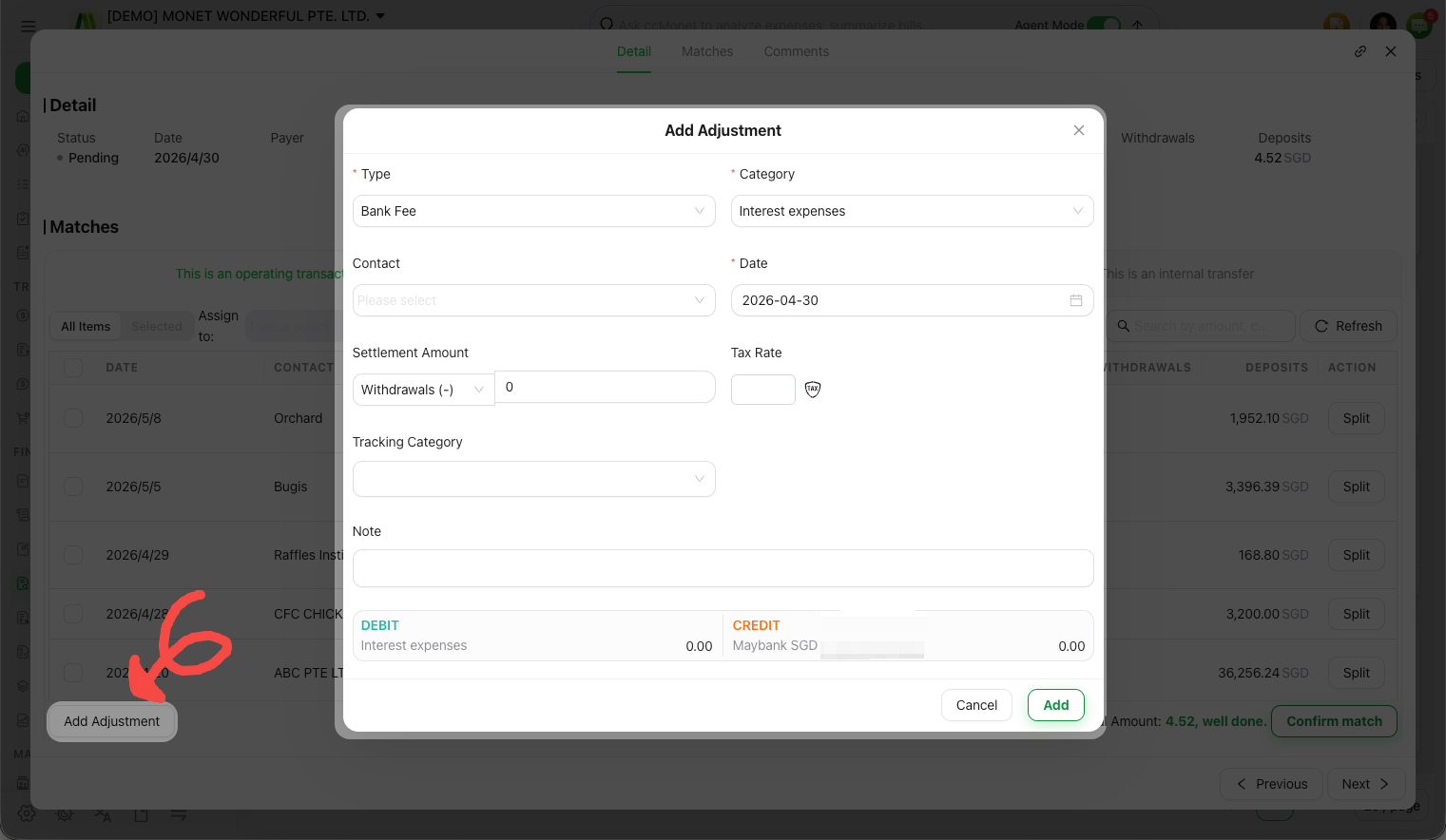
Open the adjustment options
While matching a transaction, add an adjustment entry for the difference.
Choose the adjustment type
Pick the type that fits:
| Type | Use it for |
|---|---|
| Bank Fee | Charges the bank deducted |
| Rounding Adjustment | Small rounding differences |
| Interest Income / Expense | Interest earned or charged |
| Exchange Gain or Loss | A foreign-currency difference |
| Withholding Tax | Tax withheld on a payment |
| GST/Vat Tax | A tax portion |
| Refund | Money returned |
| Loan (Private) | A private loan drawn or repaid |
| Short-Term Loan (from financial institution) | A short-term institutional loan |
| Long-Term Loan (from financial institution) | A long-term institutional loan |
| Prepayment / Overpayment | Paid ahead or over (needs a contact) |
| Other | A custom type you name |
Enter the amount and confirm
Add the adjustment amount so the transaction balances, then confirm the match.
Each adjustment type posts to specific accounts and, for tax types, splits out a tax amount. Exchange Gain or Loss, Withholding Tax and GST/VAT in particular have accounting and tax consequences that depend on your setup — CCMonet handles the posting, but which account and tax code are correct for your business should be confirmed with your accountant. Prepayment and Overpayment require a contact because they sit on that contact's account until applied.