Match an internal transfer
Reconcile money moved between two of your own bank accounts, including cross-currency transfers.
When you move money between two of your own bank accounts, it shows up as two transactions — one leaving and one arriving. Reconcile them as an internal transfer so they're paired, not double-counted as income and expense.
- Both bank accounts exist in CCMonet and both transactions have been imported.
Match a transfer
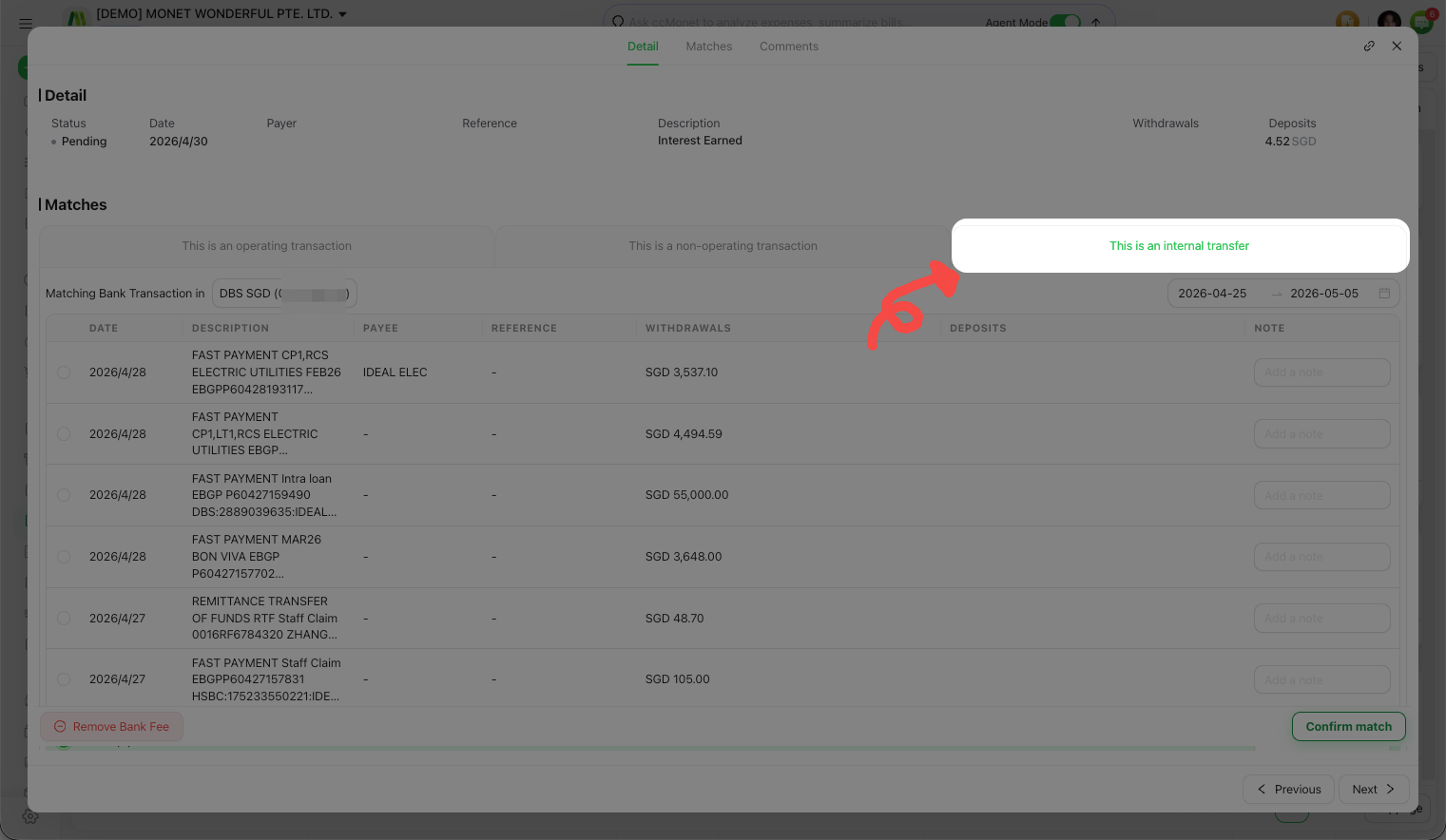
Mark the transaction as a transfer
Open the transaction in the reconcile window and mark it as an internal transfer.
Pick the matching transaction
Choose the paired transaction on the other bank account (the other side of the transfer).
Confirm
Confirm the match. Both transactions are reconciled as one transfer.
Cross-currency transfers
If the two accounts are in different currencies, CCMonet compares the calculated exchange rate (from the two amounts) with the system rate and lets you verify it. You can also add a bank fee to the transfer.
For a cross-currency transfer, any difference between the amount that left one account and the amount that arrived in the other (an "in-transit" difference) is left on the account balance and picked up by your period-end currency revaluation. Exactly how this is valued and posted depends on your rates and setup — confirm the treatment with your accountant, and see Add an adjustment while reconciling for the exchange gain/loss and bank fee options.