Update your personal profile
Update your avatar and contact details — email and phone number — the account details that are yours across every organization you belong to.
Your personal profile holds the details that belong to you as a user — your name, avatar and contact number — as distinct from your organization's company profile. Every member has one, whatever their role.
You'll find it under Settings → Personal Profile.
Personal profile is available to every member, not just the Owner. Changing it doesn't affect your organization's business details.
Edit your details
Open your personal profile
Go to Settings → Personal Profile.
Update your avatar
Upload or replace your avatar — it's saved as soon as you upload. Your name is shown here but is managed by your organization, so it's read-only on this page.
Set your email and phone number
Bind or verify your email, and add or change your phone number. To change your phone number, CCMonet first verifies it's you, then verifies your new number with a code before it takes effect.
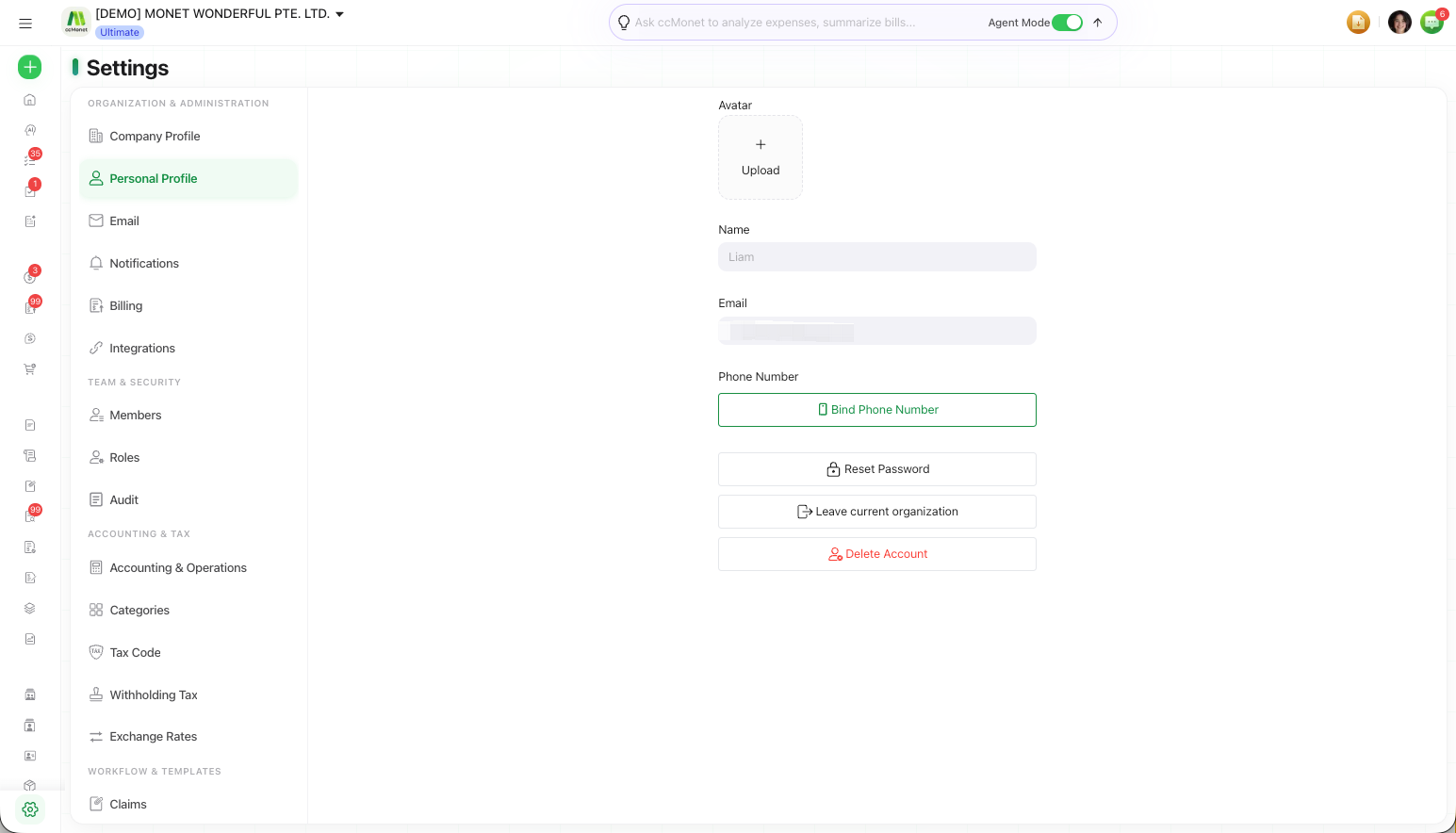
This page also holds your account actions — Reset Password, Leave current organization and Delete Account.