Purchases & Expenses
Approve or reject an expense claim
Review a submitted expense claim and approve or reject it in the approval flow.
When an employee submits an expense claim, an approver reviews it and decides whether to approve it for payment or send it back. This happens on the Expense Claims list.
Before you start
- You're an approver for expense claims.
- A claim has been submitted for approval.
Review and decide
Open the submitted claim
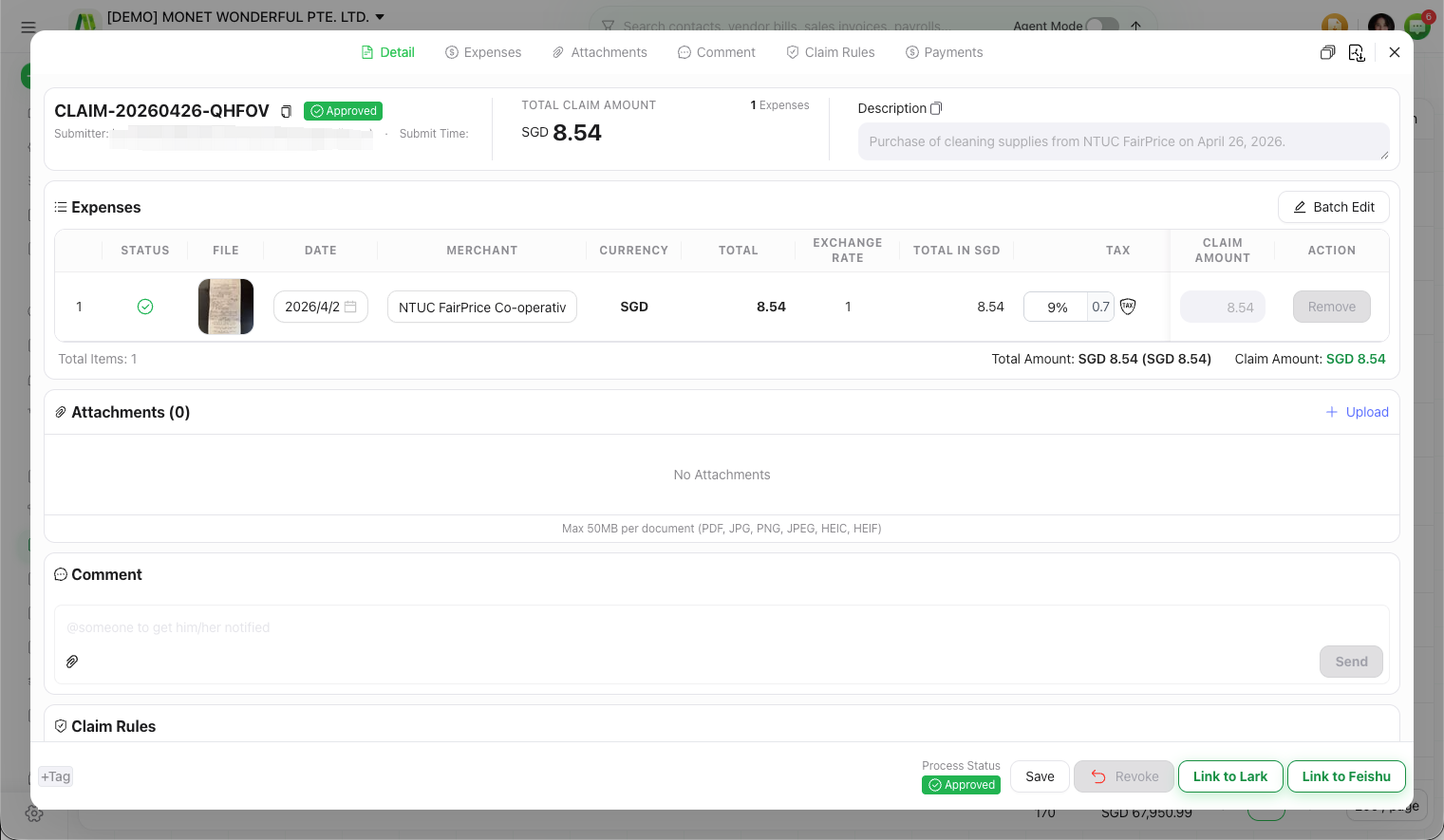
On the Expense Claims list, open a claim awaiting approval.
Check the expenses
Review the grouped expenses, their amounts and any attached receipts.
Approve or reject
- Approve — the claim is accepted and moves to ready to pay.
- Reject — the claim goes back to the submitter to fix and resubmit.
Troubleshooting
Related articles