How Unified Recognition auto-sorts your uploaded files
Understand Unified Recognition, which classifies each uploaded file into the right document type automatically.
Normally you tell ccMonet what a file is when you upload it — a bill, an invoice, and so on. Unified Recognition does that step for you: you drop in a mix of files, and it reads each one and classifies it into the right document type before recognition creates the draft record.
Unified Recognition is available to some organizations. If you don't see it, your uploads go through standard AI recognition instead, where you choose the document type yourself.
How it works
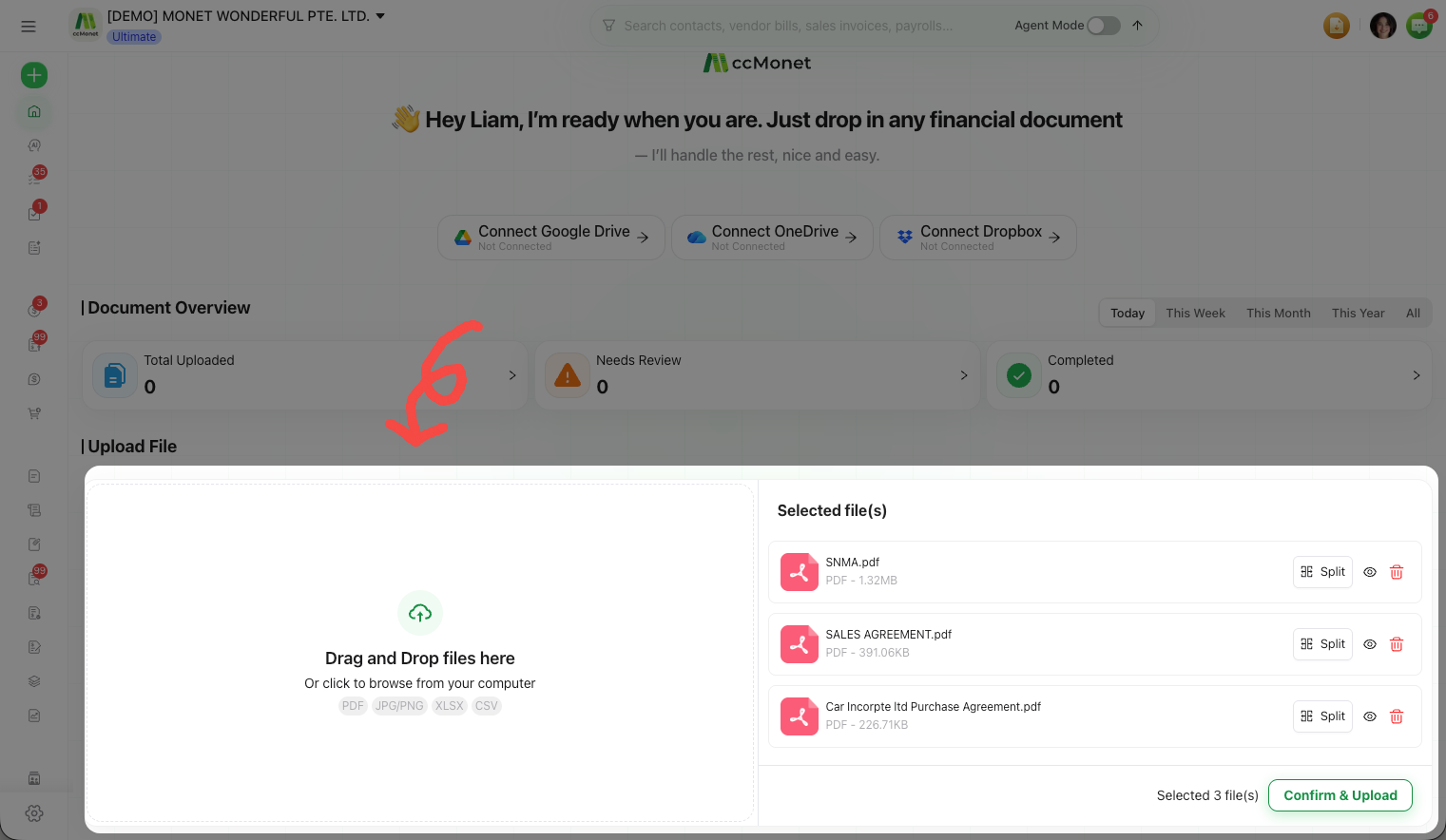
Upload a mix of files
Add your files in the upload window as usual — you don't have to sort them by type first.
Unified Recognition classifies each one
Each file gets a Unified Recognition task that determines what kind of document it is and routes it accordingly — for example, a vendor bill lands in Vendor Bills.
Review the results
Open each created draft and check it as you would any AI-captured record.
Recognition history
Unified Recognition keeps an Upload History of what it processed, so you can look back at previously uploaded files and how they were classified.